Learning
Best YouTube channels for 3D printing beginners (2026)
Eight real channels for setup, slicer basics, and troubleshooting. Watch them in an order that matches the printer you are about to buy.
Updated September 2026 · Learning guide, not a printer ranking
How to use YouTube with a first printer
Choose the printer for the room and the budget, then use YouTube to learn that machine. A channel will not auto-calibrate a kit you did not want to assemble. If you are still deciding, read which 3D printer to buy as a beginner and come back for the first week of videos. See written picks from Tom's Hardware, CNET, and WIRED.
Match the video to the constraint you actually have. A hard cap belongs in the under-$300 guide. A cap near $500 is the under-$500 guide. The enclosed P1S is just over that cap, which the page says plainly. The earlier shorter version is the 2026 under-$500 page. A small apartment is the enclosed, apartment-friendly guide. Miniatures are a different buying question in the miniatures and tabletop guide, and PETG or ABS belongs in the engineering-filament guide. If the short list is already a brand argument, use Bambu Lab versus Creality before you let a review video settle it. The model-level version of that fight is A1 Mini vs Ender 3 V3 SE.
Watch one video on what a finished first print looks like, one video in the slicer you will actually open, then stop and print. Search the channel plus the symptom (stringing, a bad first layer, warping) instead of a whole catalog. Check the upload date. A 2019 bed-level video can still teach the idea and still be the wrong menu for a 2026 printer.
We do not score these creators, and a subscribe button is not an affiliate link. The printer cards under the list use the same Amazon links as the beginner and budget guides. Check those pages for the live price.
Channels worth a beginner's time
In watch order. The later names are useful after a simple print already finishes.
 Watch Maker's Muse on YouTube
Maker's Muse
Angus Deveson's channel is the best first subscription when you want to understand the hobby and make useful parts. Beginners learn how a printable design behaves, which slicer settings are worth touching (recent videos use OrcaSlicer), and how to tell a finished object from a calibration cube. The channel is still publishing technique and project videos in 2026.
Caveat
Watch the printer maker's own setup guide before you hunt for a Maker's Muse unboxing of your exact model. This channel teaches judgment and design. It assumes you can already get plastic onto the bed.

Chuck Hellebuyck's CHEP channel, also called Filament Friday, is the bench tutorial: first layers, a clean build surface, brims, and a few Cura habits that keep beginners out of a settings spiral. He also shows simple design in Tinkercad, which is enough CAD for a first custom part. The channel describes itself as tips so you can succeed with the printer you already have.
Caveat
Many of the famous episodes assume Cura and a Creality-style bed slinger. The habits transfer to Bambu Studio or OrcaSlicer. The button names and start G-code do not. Do not paste an old end G-code into a 2026 machine.
 Watch Teaching Tech on YouTube
Teaching Tech
Michael Laws recorded the clearest free calibration path in the hobby: temperature, flow, retraction, and a plain explanation of why a print looks wrong. Use it as a reference library, one test at a time, after a stock profile has already finished a benchy. The companion calibration site still generates those tests.
Caveat
In a January 2026 video he said he is winding the channel down and returning to full-time teaching. Treat it as an archive. Leave Klipper and input shaping until ordinary PLA is reliable.
 Watch 3D Printing Nerd on YouTube
3D Printing Nerd
Joel Telling's 3D Printing Nerd is how a lot of people see what a printer can do after the calibration cube: reviews, filament tests, props, and functional parts, explained for a general audience. Beginners learn the landscape before they spend money, and they get a reason to try again after a bad print. The channel covers beginner guides as well as later projects.
Caveat
It is a show: reviews, a print farm, and collaborations with brands. Check the upload date, and check a buying claim against our scored printer guides before you treat a video as a current price.
 Watch ModBot on YouTube
ModBot
ModBot is the hands-on machine channel: tutorials, printer impressions, news, and the occasional teardown. Beginners who want to watch someone set a machine up and say what went wrong will get more here than from a spec table. The creator's stated goal is helping people navigate the technology, which fits a first printer.
Caveat
Mods are in the name. Finish a run of boring successful prints before you open the printer or order an upgrade. An older review is a tour of that model year, which is why the FDM scores exist.
 Watch Tomb of 3D Printed Horrors on YouTube
Tomb of 3D Printed Horrors
Fat Dragon Games made Tomb of 3D Printed Horrors to take a novice at terrain and miniatures through setup, maintenance, printing, and finishing. If your first prints are minis, scatter, or dungeon tiles, this is the channel that is actually about that job. Layer height, supports, and orientation get more attention here than they do for a coat hook.
Caveat
The series includes resin habits as well as FDM. Household parts and brackets belong with Maker's Muse or CHEP. When the machine is the question, use the miniatures and tabletop printer guide.
 Watch CNC Kitchen on YouTube
CNC Kitchen
Stefan Hermann at CNC Kitchen tests strength, heat-set inserts, annealing, and material choice in a way a careful beginner can follow. Watch when a bracket snaps, a screw pulls out, or you are about to leave PLA and want to know what actually changes. That is a second-month problem.
Caveat
This is the advanced channel on a beginner list. A strength ranking is a poor reason to print ABS on an open-frame machine in an apartment. The engineering-filament guide is the buying version of that question.
 Watch Proper Printing on YouTube
Proper Printing
Jón Schone's Proper Printing shows experiments, failed attempts, and the debugging that follows. Once you have one reliable profile, it is a useful model of iteration: change one thing, watch it fail, and explain why. The 2026 work is still experimental, including multi-material projects on a modified printer.
Caveat
Do not use it as an unboxing or first-printer curriculum. Copy the habit of testing, and leave the custom machines alone until a beginner machine has finished a week of ordinary PLA.
Best beginner printers to buy while you learn
Watch the list first. These are the machines we already score for someone who is still on a first PLA spool. The full comparison is which 3D printer to buy as a beginner and the under-$300 guide. Prices below are the ones in our FDM guide. Check Amazon for what they cost today.
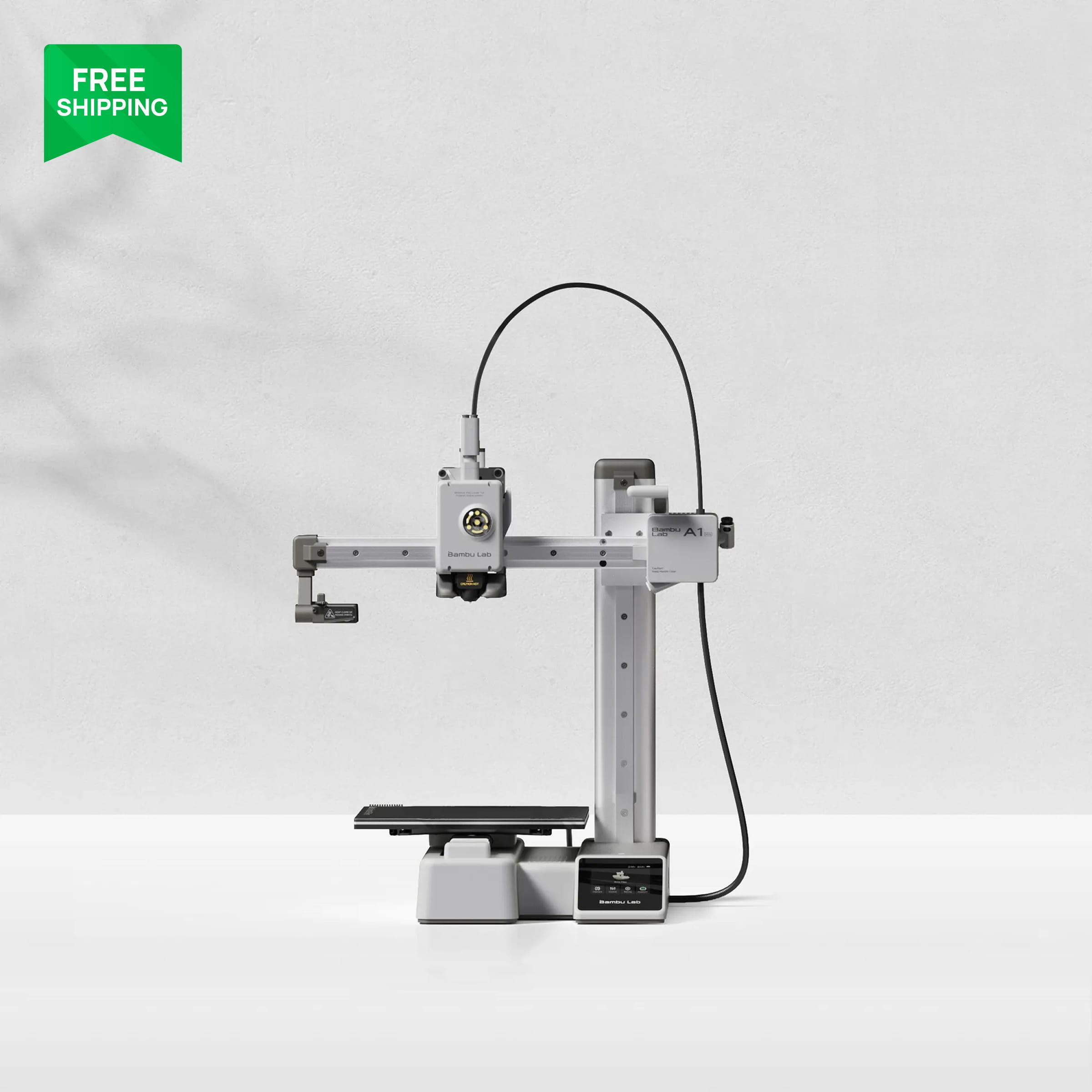
Bambu Lab A1 Mini
$199 typical $219
The first printer we would hand someone who is about to watch this list. It auto-calibrates, so the first week is the videos and a PLA part, not a weekend of bed knobs. The 180 mm bed is the limit.
Creality Ender 3 V3 SE
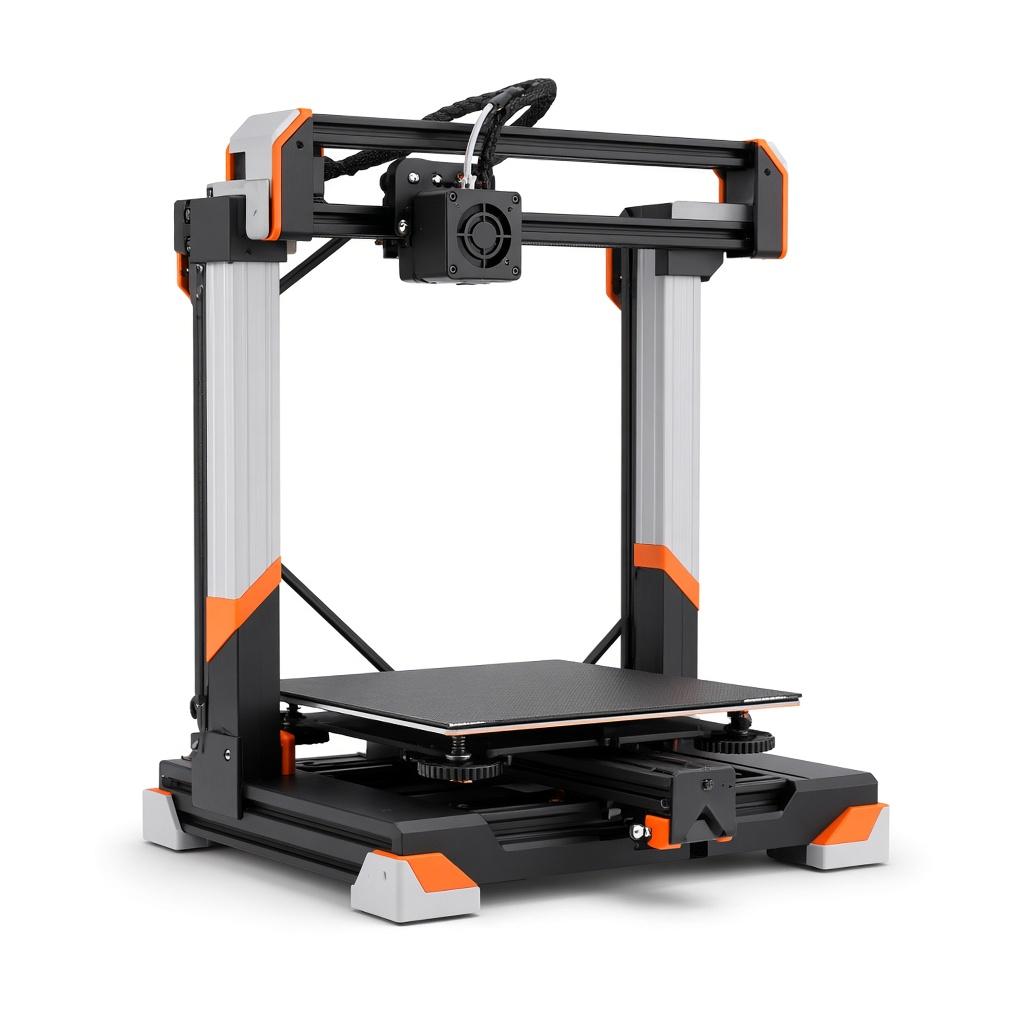
$179 regular $199
The $199 path if the leftover money is for a PEI plate, a dryer, and filament. The CHEP and Teaching Tech videos match this kind of machine. Expect more setup than the A1 Mini.
Bambu Lab P1S
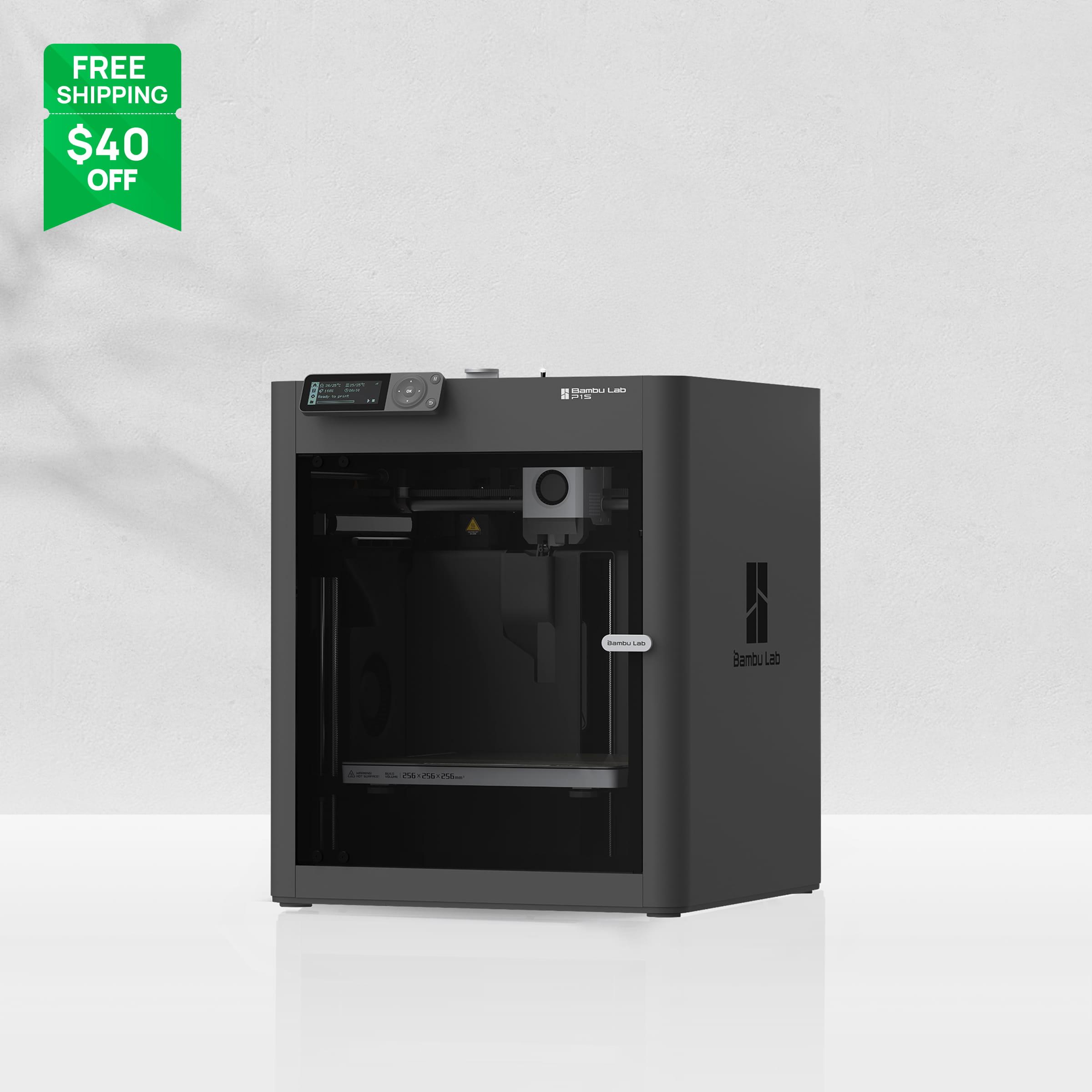
$349 typical $399, combo pricing varies
The enclosed step up when the desk is in a shared room or the parts will not fit a 180 mm cube. It is the better all-rounder and a worse impulse buy while you are still finding out if you like printing.
Who should skip these printers
Skip Teaching Tech if you need a weekly upload
Michael Laws said in January 2026 that regular uploads are ending. The archive is still the calibration reference. If you want a living feed, Maker's Muse and 3D Printing Nerd are the channels still publishing a show.
Skip Tomb of 3D Printed Horrors if you will never print a miniature
Terrain and minis are the point of the channel. A functional-print beginner will learn faster from CHEP and Maker's Muse.
Skip CNC Kitchen and Proper Printing as the first two subscriptions
Both reward you after you can finish a print. They will not choose a $300 printer for you, and they will not replace the setup guide that came with the machine.
Who it's not for
This is a shortlist of channels for someone learning the hobby. It is not a ranking of every 3D printing YouTube channel, and it is not a printer scorecard. If you came here to buy a machine, use the beginner, budget, apartment, or miniatures guides. If you already run a print farm or you write firmware, this list will feel basic on purpose.
Frequently asked questions
- What YouTube channel should a complete beginner watch first?
- Maker's Muse for how the hobby works, and CHEP for first-layer and slicer habits. Use the Teaching Tech archive when a specific calibration test is the problem. Then print something small before you subscribe to ten more channels.
- Is Teaching Tech still worth watching in 2026?
- Yes, as a library. In January 2026 Michael Laws said he is winding down regular uploads and returning to full-time teaching. The calibration videos and the free calibration site are still the clearest path we would send a beginner to. Do not expect a new weekly episode.
- Which channel is best for miniatures?
- Tomb of 3D Printed Horrors, from Fat Dragon Games. Pair it with our miniatures and tabletop printer guide when you are choosing the machine. The other channels on this list are the better start for general FDM parts.
- Do I need CNC Kitchen as a beginner?
- Not in the first week. Stefan Hermann's tests are the right next step when strength, heat-set inserts, or a material change is the actual problem. Until a plain PLA part finishes, a strength video mostly tempts you into settings you do not need yet.
Related 3D printer guides
Best YouTube videos for 3D printing beginners (2026)
Nine short videos for the first week: what the printer is doing, a first PLA print, a slicer, and how to read a bad first layer. No livestreams and no hour-long courses.
Best 3D Printer for Beginners (2026), by Budget
The best 3D printer for beginners is the machine that matches the money you will actually spend. The beginner 3D printer 2026 choice is setup time, bed size, and an open frame versus a closed one. A tight budget buys time on the printer. A desk budget buys auto-calibration. An enclosure is a step up, not a fee for starting.
Best 3D Printer Under $300 in 2026
The best 3D printer under 300 dollars is a two-machine list in our scores. The A1 Mini fits only while Amazon stays at or under $300. The Ender 3 V3 SE is the one that is usually under $200. The P1S is not in this budget.
Best 3D Printer Under $500 in 2026
The best 3D printer under 500 dollars in our scores is the A1 Combo, while Amazon stays under the cap. The P1S at $549 is the step-up above the line, not the winner.
Bambu A1 Mini vs Creality Ender 3 V3 SE
A1 Mini vs Ender 3 V3 SE is a $100 decision between a printer that calibrates itself and a cheaper, larger bed that expects you to learn the machine.
Best Quiet, Enclosed 3D Printer for an Apartment
The best enclosed 3D printer for a shared wall is a closed machine. A quiet, apartment-friendly alternative is the small open printer if you only print PLA.
Best FDM 3D Printer for Miniatures and Terrain
The best 3D printer for miniatures and tabletop work is an FDM machine with a steady first layer. On resin vs FDM, resin still wins the tiniest sculpt.
The best 3D printer for PETG, ABS, and engineering filaments
The best 3D printer for PETG, ABS, and engineering filament is enclosed, and the spool has to be dry. Abrasive blends still need a hardened nozzle.